Top B2B Lead Generation Tools 2024
Were you looking for the top B2B lead generation software to boost sales? You know how time-consuming manual prospecting can be, and its effectiveness is often questionable. However, utilizing the ideal lead generation software can greatly enhance your efforts and achieve better results.
We know picking the right lead generation tool is hard because there are so many. But good news: we found the best B2B lead generation software for you and will show you how to choose the right one for your business.
What is lead generation software?
Lead generation software is crafted to assist businesses in identifying potential customers, fostering their interest, and converting them into confirmed leads ready for sales.
Utilizing email, websites, landing pages, and social media, these software solutions streamline lead generation, capture leads, and nurture them with targeted content, personalized messaging, and automated workflows. They automate the process, making identifying and engaging with potential customers interested in your products or services easier.
Let's discover the top software for lead generation.
1. Woodpecker
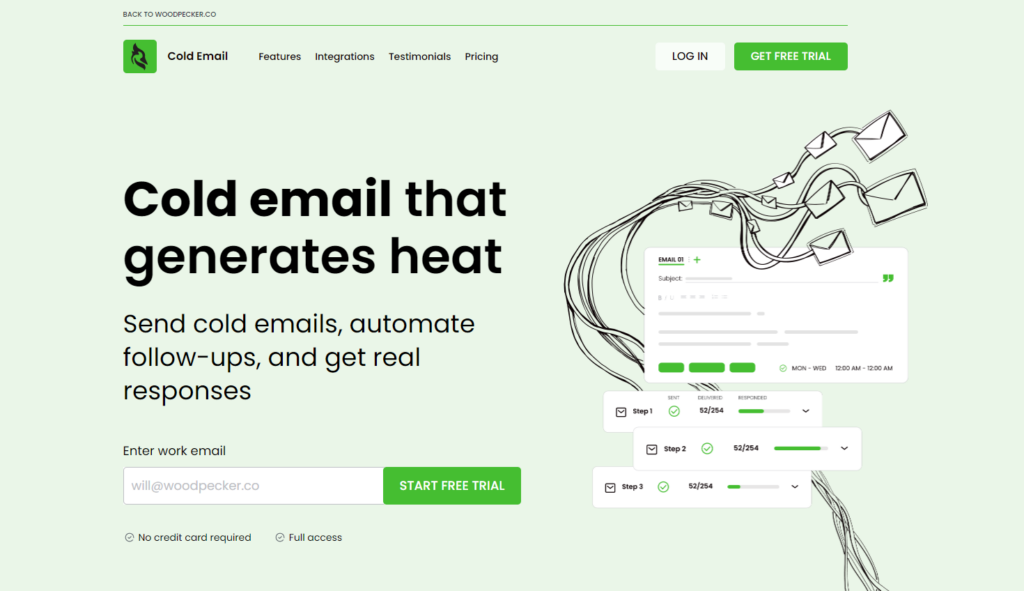
Woodpecker automates email outreach for sales, recruitment, and marketing teams. It integrates with email accounts and CRM systems, efficiently tracking and managing all communication. It offers advanced personalization for effective outreach.
Tool standout features
Bounce Rate Tracking - Monitor email bounce rates to ensure deliverability and maintain the sender's reputation.
Response Detection - Detect replies and out-of-office messages to adapt your campaign strategy.
Disadvantages
- Learning curve to master features.
- Relies on email server deliverability.
- Basic user interface.
- They have limited customer support.
- Potentially unsuitable pricing for small businesses.
2. LeadQuizzes
Experience LeadQuizzes, an innovative lead generation tool that enables you to create engaging quizzes to connect with your audience and gain valuable insights. Utilize the data from leads to refine your campaign targeting and segmentation strategies.
Tool standout features
Create interactive quizzes and assessments to engage your audience and capture lead information effortlessly.
Choose from customizable quiz templates for engaging experiences.
Capture lead info seamlessly with integrated forms in quizzes.
Disadvantages
- Limited design customization choices.
- Average support response time.
Pricing
Premium - For $249 per month, you'll receive access to an impressive package: fifteen website accounts, each capable of handling up to 15,000 responses monthly. Plus, enjoy advanced features like Email Leads Results, UTM Web Tracking, Webhooks, and more, all included.
Pro - For $99 per month, you'll receive access to five website accounts, each capable of handling up to 5,000 responses monthly. Plus, enjoy Email Leads Results, UTM Web Tracking, Webhooks, and all other features included.
Standard - For just $49 a month, you'll get access to a single website account with the capacity for 2,500 responses.
3. HubSpot
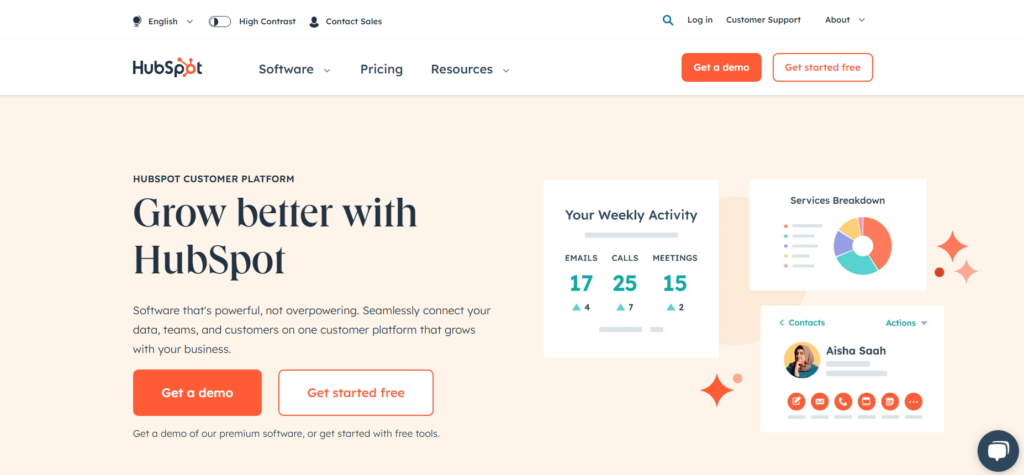
HubSpot is a comprehensive platform for inbound marketing, sales, and service, aiding businesses in attracting, engaging, and delighting customers. It provides a range of tools such as CRM, content management systems (CMS), email marketing, social media management, and analytics.
HubSpot's CRM is free and seamlessly integrates with other tools, assisting businesses in effectively managing customer relationships.
Tool standout features
Contact Management: This functionality enables you to consolidate all customer interactions and activities in a single location, facilitating the establishment and upkeep of robust relationships.
Email Tracking and Notifications: This feature lets you track email opens and clicks, providing real-time insights into your email performance.
Pipeline Management: This feature visually represents your sales pipeline, enabling effective management and tracking of deal progress.
Disadvantages
- Exclusive advanced features in paid plans only.
- Integrating non-HubSpot apps can get complex.
- Higher pricing tiers may strain smaller businesses financially.
Pricing
Introducing Sales Hub Professional, an all-in-one solution to streamline and elevate your sales operations. Starting at just €90 per month per licence, this package offers a suite of essential tools, including Prospecting Workspace, ABM tools, Forecasting, Playbooks, Coaching Playlists, Sequences, and Call transcription.
Introducing Sales Hub Enterprise, the pinnacle of sales software offering unmatched control and flexibility. Starting at €150 per month per licence, this package builds upon the Professional version, adding features such as Advanced permissions, Lead Form Routing, Recurring revenue tracking, Conversation Intelligence, Custom objects, and Predictive lead scoring.
4. OnePageCRM
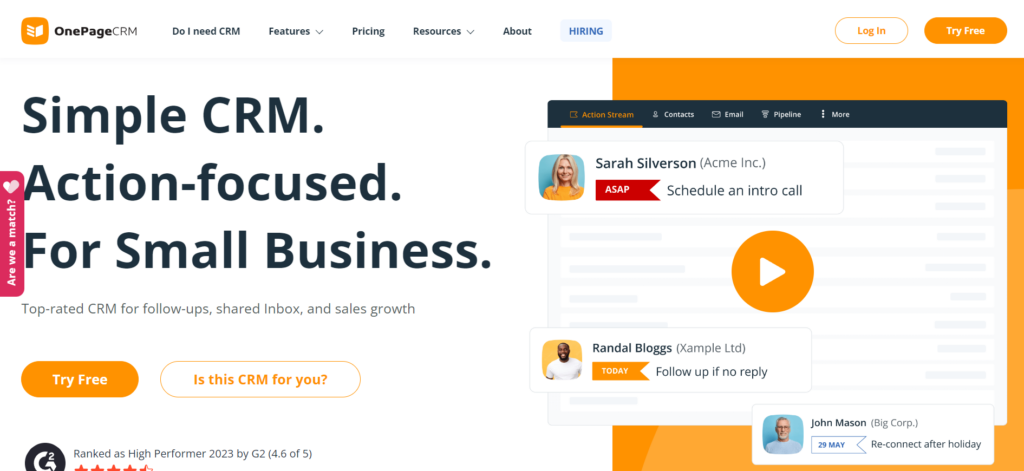
OnePageCRM is a CRM tool designed for sales, focusing on the "Next Action" method to drive the sales process forward. OnePageCRM simplifies contact, deal, and task management, integrating well with other popular applications.
Tool standout features
Next Action Sales Methodology ensures the next step for each contact, keeping your sales process moving.
Deal Management tracks potential deals, manages sales pipelines, and provides sales forecasts for strategic sales management.
OnePageCRM allows personalized bulk email sending and offers email templates for time-saving.
Disadvantages
- Functionality is limited compared to comprehensive CRMs.
- No inbuilt email marketing feature.
- Pricing can get high for larger teams.
Pricing
BUSINESS, just €17.95 per user/month, billed annually for up to 100 users.
PROFESSIONAL at €8.95 per user/month, billed annually for up to 20 users.
Both tariffs come with everything you need: unlimited contacts, notes, and deals, plus a catalog of products and services, email syncing, bulk emailing, task boards, custom reports, route planning, mobile apps, connections to other tools, and help when you need it.
5. Hunter.io
Hunter.io, previously known as Email Hunter, is a widely used online tool that assists users in locating and confirming email addresses linked to a specific domain. It proves invaluable for outreach, sales, or marketing endeavors by uncovering the email addresses of individuals employed within a particular company.
Tool standout features
Email Finder: This functionality enables you to discover email addresses linked to a specific domain, simplifying the process of connecting with relevant individuals within a business.
Use domain search to find email addresses linked to domains for prospecting and outreach.
Hunter.io enables bulk tasks, facilitating large-scale searches or verifications in one go, saving time and effort.
Disadvantages
- Despite its prowess in email searching and verification, Hunter.io's functionality is constrained, providing minimal features beyond these core capabilities.
- The free tier limits searches.
- Dependency on public data may limit results.
Pricing
The free plan includes 25 searches per month, 50 verifications per month, 1 connected email account, and 500 recipients per campaign.
Starter plan: €49 - 500 searches per month, 1000 verifications per month, Domain Search, 3 connected email accounts, 2500 recipients per campaign. Includes SMTP/IMAP accounts, Email rotation, Attachments & images, and Link tracking.
Growth: €149 - 5000 searches per month, 10000 verifications per month, Domain Search, 10 connected email accounts, 5000 recipients per campaign. Custom tracking domain, SMTP/IMAP accounts, Email rotation, Attachments & images, and Link tracking.
Business: €499 - 50 000 searches per month, 100 000 verifications per month, Domain Search, 20 connected email accounts, 10000 recipients per campaign. Custom tracking domain, SMTP/IMAP accounts, Email rotation, Attachments & images, Link tracking, Support Priority + Account manager.
6. Leadfuze
LeadFuze stands out as a prominent lead-generation solution, aiding businesses in identifying potential customers or leads through automated research and outreach.
Tool standout features
The tool automates personalized email outreach for higher conversion rates.
Service gathers current customer data, contact info, and location services, preventing wasted sales team efforts.
It offers cost-effective solutions through its diverse range of pricing plans suitable for businesses of all sizes. Additionally, it provides a free trial for prospective users.
Disadvantages
- Cost: LeadFuze plans, particularly the unlimited leads option, are expensive. The unlimited plan starts at $397 per month, which may be prohibitive for smaller businesses or startups just beginning to explore lead-generation tools.
- Complexity and Overwhelming Features: The tool's broad array of features and options might overwhelm new users. The complexity and advanced functionalities require a significant learning curve to master effectively.
- Data Overload: Users may face challenges with the vast amount of lead data available, potentially complicating the process of identifying the most valuable leads.
- Dependence on Automation: While automation can save time, over-reliance on automated processes might result in less personalized outreach, which could affect the effectiveness of communication.
- Integration Overload: Managing multiple integrations with CRM and outreach tools can be challenging, and ensuring these integrations work seamlessly may pose difficulties for some users.
Pricing
Ideal for team or individual lead generation expansion. Get unlimited leads annually with advanced search filters, list automation, and LinkedIn lookups. Includes CSV export, de-duplication, and integrations for $397 per month.
Boost lead generation with 500 monthly credits, unlimited lists, targeted filters, automation, CSV export, and more, starting at $147 per month.
7. Jasper
Jasper's AI-powered content creation is a game-changer for businesses seeking to drive organic lead generation through content marketing. With Jasper, you can effortlessly produce a diverse range of engaging materials, including blog posts, infographics, SEO copy, emails, web content, video scripts, ad copies, and more in a fraction of the time. This innovative tool gives your organization the competitive advantage it needs to thrive!
Tool standout features
Jasper AI offers a range of benefits for enterprise marketing teams, enhancing the speed and efficiency of content creation across multiple channels and languages. It features tools for generating comprehensive marketing campaigns, maintaining brand voice consistency, and producing creative visual content. The platform integrates with other tools and offers API access for broader applications.
Disadvantages
- Uniqueness and Accuracy: Ensuring the originality and correctness of AI-generated content can be challenging.
- Ongoing Training: AI systems require continuous updates and training to maintain optimal performance.
- Technology Dependency: Heavy reliance on technology can curtail creative input from human marketers.
- Privacy and Data Security: The AI's access to vast amounts of company data raises significant privacy and security concerns.
Pricing
Creator plan - $39 per month for single user licence, brand voice support, SEO mode access, AI browser extension.
Business plan - custom price for AI features with unlimited usage, team collaboration, analytics, custom guides, top security, admin control, workflows, API, and premium support.
8. Surfer
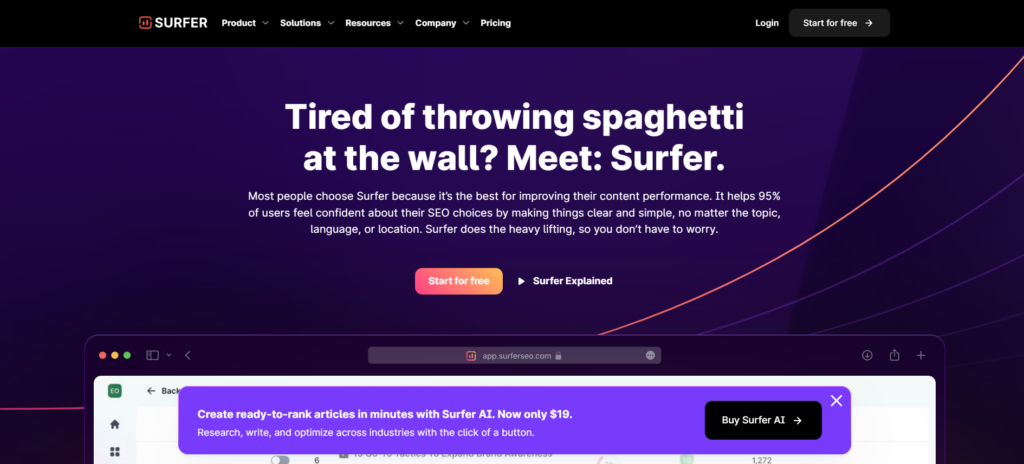
Boost SEO success with Surfer. Optimize every detail for maximum reach and performance. Get real-time feedback on article structure, relevant keywords, and competitor insights. Seamlessly integrate with Jasper, SEMrush, WordPress, and Google Docs.
Tool standout features
- Real-time content optimization feedback.
- Generates content outlines effectively.
- Supports multiple languages.
- Integrates with Google Docs and WordPress.
Disadvantages
- Dependency on the tool's SEO metrics which may not always align with real-time SEO trends.
- The steep learning curve for those new to SEO or unfamiliar with Surfer's functionalities.
Pricing
ESSENTIAL
$89/month. Ideal for small business owners and freelancers. Write and optimize up to 30 articles with Content Editor.
SCALE
$129/month. Suitable for mid-sized agencies and marketing teams. Features include writing and optimizing up to 100 articles, audits, keyword research, and inviting 5 team members.
SCALE AI
$219/month. Ideal for agencies utilizing AI. Includes writing and optimizing up to 100 articles, generating 10 AI articles, audits, keyword research, and 5 team invites with personalized onboarding.
ENTERPRISE
Custom pricing for large agencies & teams. Includes custom article writing and optimization, AI content generation, audits, keyword research, customizable team sizes, personalized onboarding, priority support, SERP Analyzer, white label options, and API.
9. LinkedIn Sales Navigator
If you're using LinkedIn for business connections, LinkedIn Sales Navigator is your tool. It helps you find and keep track of potential customers and companies. Plus, it works well with your CRM system.
Tool standout features
- Advanced Search Capabilities: Sales Navigator allows users to perform detailed searches to find the most relevant prospects based on specific criteria such as industry, company size, role, and geographical location.
- Lead Recommendations: It offers personalized lead recommendations using LinkedIn's algorithm, which can help sales teams discover new potential clients they might not have identified on their own.
- InMail Messages: Users get a set number of InMail credits, which allow them to contact LinkedIn members who are not in their network, potentially increasing the chances of reaching key decision-makers.
- Integration with CRM: Sales Navigator can integrate with various Customer Relationship Management (CRM) systems, which helps in synchronizing sales activities and managing leads more efficiently.
- Sales Insights: The tool provides insights and real-time data about companies and leads, such as job changes, company developments, and common connections, which can be used to tailor outreach strategies.
Disadvantages
Cost: LinkedIn Sales Navigator is relatively expensive compared to other LinkedIn memberships, which might be a barrier for small businesses or individual sales professionals.
Complexity: Some users find the interface and the array of features overwhelming, especially if they are not frequent LinkedIn users.
Limited Contact: Despite having InMail credits, the response rates can vary, and there's no guarantee of engagement from the prospects.
Dependence on LinkedIn Data: The effectiveness of Sales Navigator is closely tied to the accuracy and completeness of LinkedIn profiles. If target prospects do not maintain detailed profiles, finding and connecting with them can be challenging.
Learning Curve: To fully benefit from all its features, users need to invest time in learning how to use the platform effectively, which might require additional training.
Pricing
- Sales Navigator Core (Professional): $99/month
- Sales Navigator Advanced (Team): $149/month
- Sales Navigator Advanced Plus (Enterprise): starts at $1600/year
10. Intercom
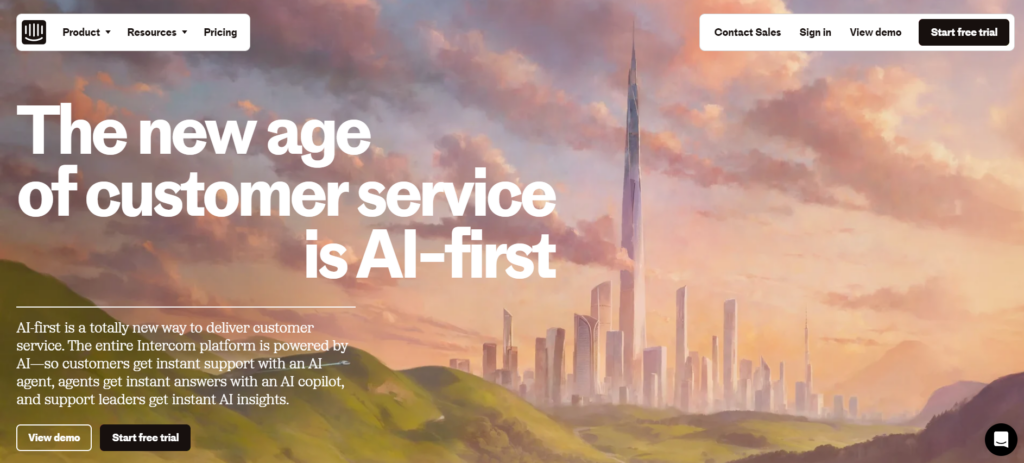
Intercom revolutionizes conversational marketing by offering real-time engagement, feedback collection, and personalized interactions based on visitor behavior. Utilize features like rule-based engagement, custom bots, and email follow-ups to enhance customer engagement and retention.
Tool standout features
- AI-powered customer service provides instant support 24/7.
- AI Copilot assists support agents with quick answers and insights.
- Robust integration capabilities including APIs and SDKs.
- Extensive analytics and reporting tools for data-driven insights.
Disadvantages
- Potential complexity in setting up and customizing the system.
- May require significant training for team members to fully leverage AI features.
- Costs could be high depending on the scale and features required.
Pricing
Essential
$39 per licence/month. Customer support for startups, small businesses, and individuals.
Advanced
$99 per licence/month. Powerful automation tools and AI features designed for expanding support teams.
Expert
$139 per licence/month. Equipped with collaboration, security, and reporting tools tailored for large support teams.
11. Zapier
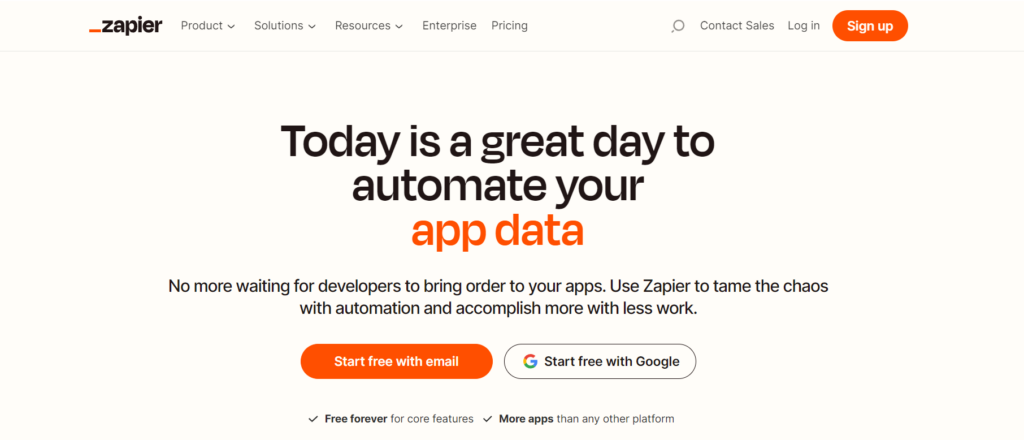
Zapier helps you save time by connecting lots of different apps. You don't need to know any technical stuff. Pick the apps you want to connect with, and Zapier does the rest!
Tool standout features
- Simplifies automation across 6,000+ apps with no coding required.
- Offers customizable workflows to automate tasks and processes.
- Supports creating forms, databases, and custom chatbots to enhance functionality.
- Allows easy integration of various business tools to streamline operations.
Disadvantages
- Can become complex and overwhelming with extensive customizations and multiple integrations.
- May incur higher costs as needs for advanced features and higher usage tiers increase.
- Dependent on external services' API limitations, which can restrict functionality.
Pricing
Free
€0 per month. Automate workflows free with Zapier. Includes 100 tasks/month, access to basic Zaps, Interfaces, and Tables.
Professional
Starting from €19.24 per month. Includes Multi-step Zaps, Premium apps, Webhooks, and email support.
Team
Starting from €66.43 per month. Includes Multi-step Zaps, Premium apps, Webhooks, and email support.
Enterprise
Custom price. Scale automation across multiple departments. Advanced admin controls, annual tasks, full observability, SAML SSO, dedicated support.
12. Turnstile
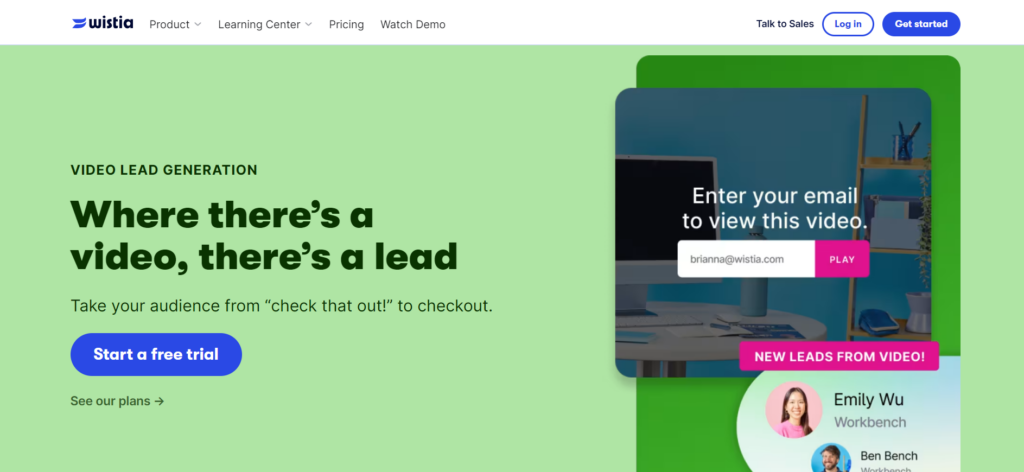
Turnstile facilitates the collection of viewer information during webinars, offering options for data capture post-webinar or during the video. It integrates smoothly with email marketing tools like Mailchimp and CRMs such as Marketo and HubSpot.
Tool standout features
- Enhances lead generation through embedded forms in videos and webinars.
- Customizable form fields and calls to action tailored to specific campaign goals.
- Flexible form placement within videos, with options for A/B testing to optimize viewer engagement.
- Integrates easily with marketing automation platforms to streamline lead management.
Disadvantages
- May require a certain level of technical skill to fully utilize customization and integration features.
- Could be seen as intrusive by viewers if not implemented subtly within video content.
- Dependence on video engagement for lead collection, which might not suit all audiences or content types.
Pricing
Free
$0 per month. Up to 10 videos, customizable player, and editing tools.
Plus plan
$19 per month, $228 per year. No Wistia branding, basic CTAs, or multiple users.
Pro plan
$79 per month, $948 per year. Adds lead capture, enhanced analytics, and custom CTAs.
Advanced plan
$319 per month, $3,828 per year. Adds marketing integrations, webinar hosting, and unlimited galleries.
13. Sendoso
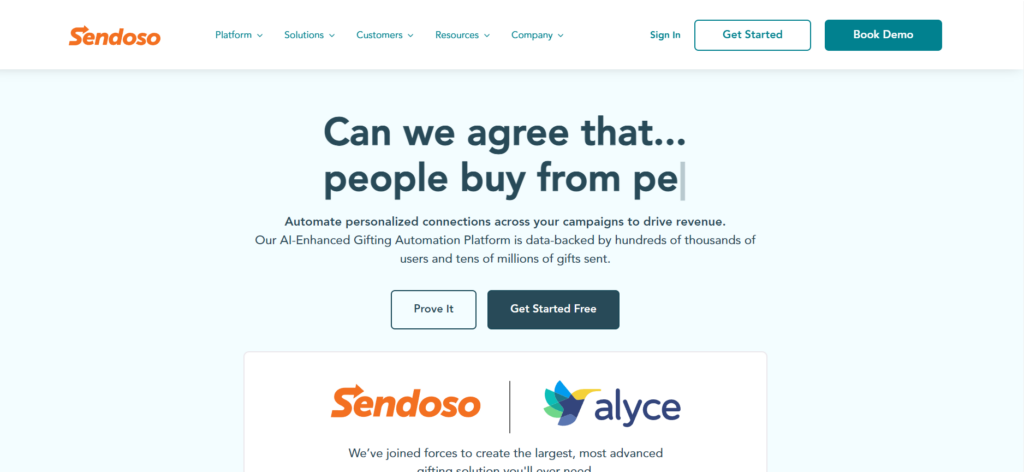
Sendoso is a B2B sending platform tailored for corporate gifting, enhancing account-based marketing efforts. It's renowned for its ability to engage, acquire, and retain customers, making it invaluable for lead generation and customer retention.
Tool standout features
- AI-enhanced personalization for effective and thoughtful gifting.
- Extensive integration with over 90 native platforms, boosting campaign success.
- Owns warehousing, ensuring reliable delivery and creative customization.
- Full-stack reporting capabilities to track campaign impact in real time.
Disadvantages
- Potentially high costs associated with personalized gifting and shipping.
- Complexity in managing and integrating with multiple systems and platforms.
- Requires ongoing management to ensure efficient use of its features.
Pricing
Essential plan for small businesses: unlimited sending, eGifts, marketplace, fulfillment center, custom brand shop, send tracking, custom domains, unlimited integrations.
Plus plan: multi-team support with unlimited sending, eGifts, marketplace, fulfillment, meeting scheduler, 6 event/year fulfillment, brand shop, send tracking, custom domains, integrations, campaign services (2 projects/year).
Pro plan: Global expansion with premium fulfillment, unlimited sending, eGifts, marketplace, meeting scheduler, event fulfillment, swag store, brand shop, send tracking, custom domains, unlimited integrations, and unlimited campaign projects.
For more detailed information or to get specific pricing based on your company's needs, you may need to reach out to Sendoso directly through their website or by scheduling a demo with their sales team.
14. Quickmail
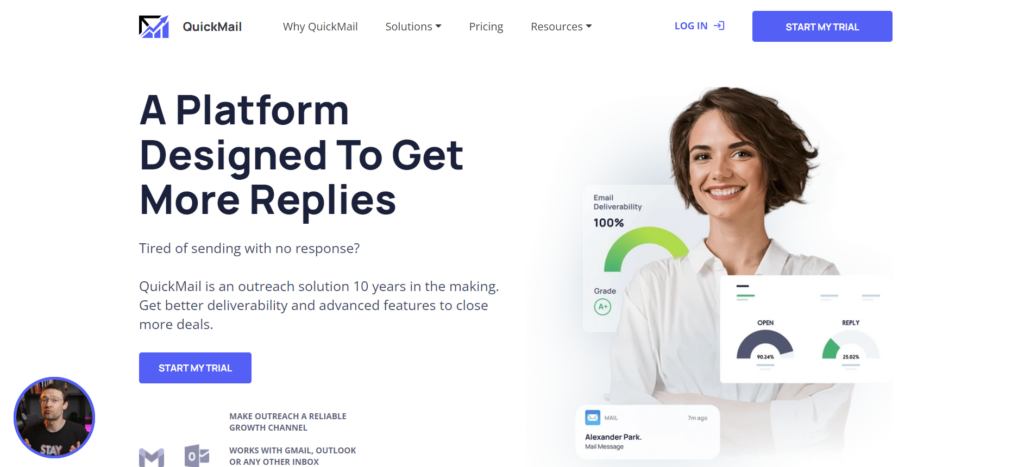
Quickmail is an email-warming tool designed to improve deliverability and sender reputation. By monitoring and maintaining the health of your inbox, it increases the likelihood of your emails reaching recipients' inboxes.
Tool standout features
- Detect and manage recipient replies to streamline follow-ups.
- Gradually warm up email accounts to establish a positive sender reputation.
- Offers robust integration options, including native CRM integrations and Zapier.
Disadvantages
- Could be complex to set up and manage for beginners.
- Relies heavily on user knowledge of best email practices for maximum effectiveness.
- Costs may escalate with the need for advanced features and higher usage.
Pricing
Basic Plan: $49 per month for 30,000 emails, 10,000 prospects, 5 email addresses, 1 LinkedIn account, unlimited team members, free AutoWarmer, reply handling, Zapier, blacklist monitoring, and support.
Pro Plan: $89 per month for 100,000 emails, 50,000 prospects, 20 email addresses, 5 LinkedIn accounts, unlimited team members, CRM integrations, advanced analytics, and expert support.
Expert Plan: $129 per month for 300,000 emails, 100,000 prospects, 50 email addresses, 15 LinkedIn accounts, unlimited team members, AI, advanced analytics, API, and expert support.
How to Choose the Right Lead Generation Software for Your Business?
B2B lead generation software varies widely, making the choice dependent on factors like scope, budget, target channels, and audience.
Key Factors in Identifying the Right B2B Lead Generation Software:
- Maximize your success by first defining your lead generation goals. Are you seeking an advanced prospecting and nurturing tool, seamless CRM integration, or deep lead insights? The right software can transform your strategy.
- Start by listing the features and functionalities crucial for achieving your lead generation objectives, such as lead capture tools, email marketing automation, and landing page builders.
- After compiling your list of essential features, it's critical to examine the scalability of each lead generation software under consideration. This includes their capacity to support your business's increasing demands, user load, and data processing requirements without a drop in performance or reliability.
- Evaluate pricing and support when buying software. Ensure it fits your budget and offers reliable help.
Use the trial period to test B2B lead generation tools' features and business compatibility.
Advantages of Lead Generation Software
Before exploring top lead generation software, let's review their key business benefits.
- Lead generation software automates and simplifies the process, improving efficiency and saving time by enabling targeted campaigns, multi-channel capture, and automated follow-ups.
- Improve lead quality using lead generation software that prioritizes high-potential leads with scoring and qualification, enhancing sales conversions and ROI.
- Optimize campaign performance by monitoring key metrics like lead capture and conversion rates using robust lead generation tools. These insights guide necessary adjustments for better results.
Boost Your Revenue: Every business aims to increase revenue, and lead generation software is a key tool in reaching that goal. This software sharpens your focus on highly qualified leads, accelerating the sales process and sealing deals more quickly. The outcome is a substantial boost in your business's revenue.
Key Takeaway: Lead generation software streamlines the sales process by targeting highly qualified leads, resulting in quicker deal closures and a significant increase in revenue for your business.
Selecting the appropriate lead generation software is a crucial decision that can greatly influence the success of your business.
Last updated: July 2025