Top B2B Lead Generation Tools 2024
Manual prospecting eats your time, and you can't always tell whether it's working. Good B2B lead generation software takes much of that work off your hands and usually gets better results. The hard part is choosing a lead generation tool, because there are so many of them.
Below are fourteen of the best tools for B2B lead generation: cold email and email finders, CRMs, content tools, quizzes, video and corporate gifts. For each tool you get what it does, its standout features, its drawbacks and, for most, its plans and prices. A short guide to choosing the right one for your business follows the list.
What is lead generation software?
Lead generation software helps a business find potential customers, build their interest and turn them into confirmed leads that are ready for sales.
It works across email, websites, landing pages and social media. It captures leads, then nurtures them with targeted content, personalized messages and automated workflows, so finding and engaging the people who might want your product or service takes much less manual work.
1. Woodpecker
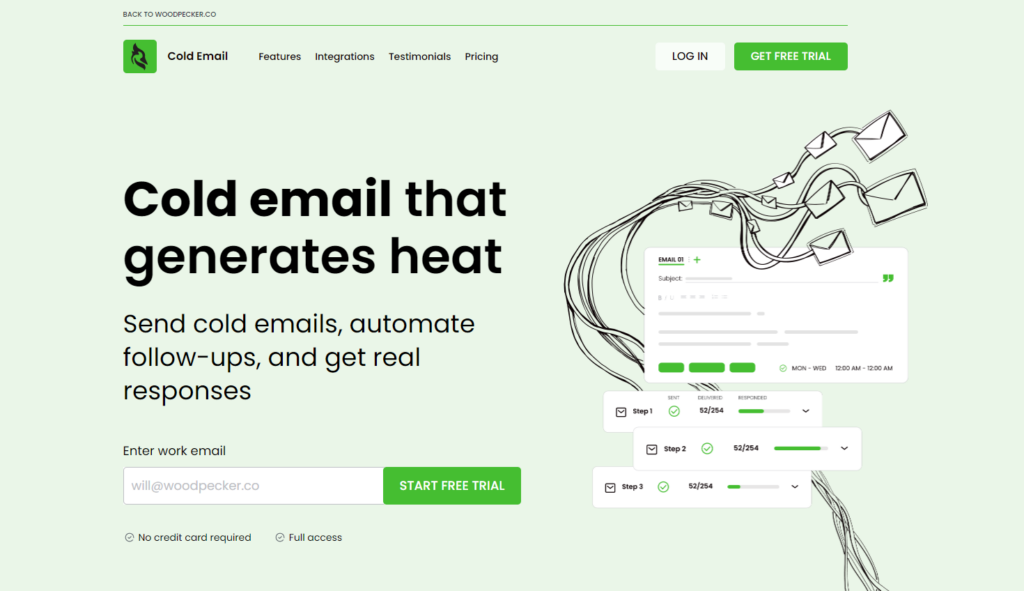
Woodpecker automates email outreach for sales, recruiting and marketing teams. It connects to your email accounts and your CRM, tracks and manages every conversation in one place, and has advanced personalization for the emails themselves.
Standout features
- Bounce Rate Tracking: watches bounce rates, so your emails keep getting delivered and your sender reputation holds up.
- Response Detection: picks up replies and out-of-office messages, so you can adjust the campaign as people answer.
Drawbacks
- The features take time to master.
- Deliverability still depends on your email server.
- The interface is basic.
- Customer support is limited.
- The pricing may not suit small businesses.
2. LeadQuizzes
LeadQuizzes turns quizzes into a lead source. People take a quiz, you learn something useful about them, and their answers help you sharpen your campaign targeting and segmentation.
Standout features
- Interactive quizzes and assessments that engage your audience and capture lead information along the way.
- Customizable quiz templates, so you're not starting from a blank page.
- Forms inside the quiz, so contact details come in with the answers.
Drawbacks
- Limited design customization.
- Support response times are only average.
Pricing
- Standard, $49 a month: one website account with capacity for 2,500 responses.
- Pro, $99 a month: five website accounts, each handling up to 5,000 responses a month, with Email Leads Results, UTM Web Tracking, Webhooks and every other feature.
- Premium, $249 a month: fifteen website accounts at up to 15,000 responses a month each, plus advanced features such as Email Leads Results, UTM Web Tracking and Webhooks.
3. HubSpot
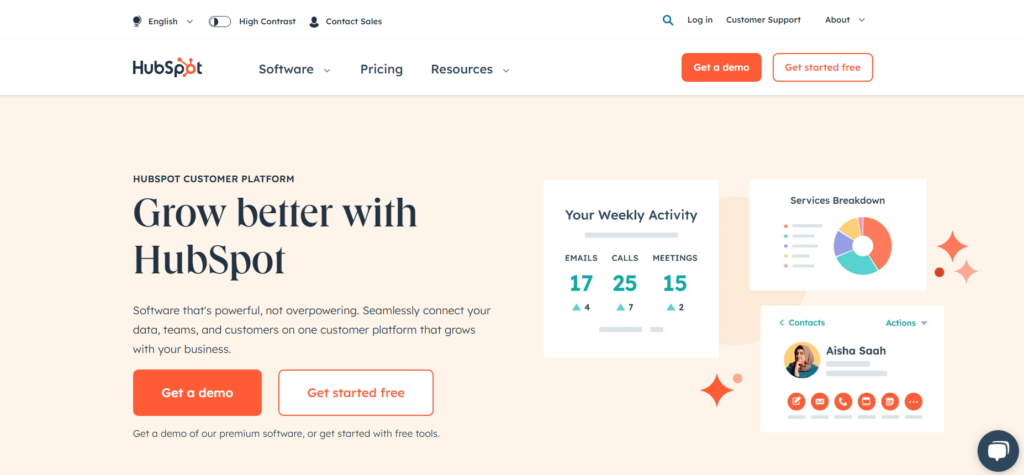
HubSpot puts inbound marketing, sales and service on one platform, built to help a business attract, engage and delight customers. The toolset covers a CRM, a content management system (CMS), email marketing, social media management and analytics.
The CRM is free, integrates with other tools and helps you keep customer relationships in order.
Standout features
- Contact Management: every customer interaction and activity in one place, which makes relationships easier to build and maintain.
- Email Tracking and Notifications: see email opens and clicks as they happen.
- Pipeline Management: your sales pipeline laid out visually, for managing deals and tracking how they progress.
Drawbacks
- The advanced features are in paid plans only.
- Integrating apps from outside HubSpot can get complicated.
- The higher pricing tiers can strain a smaller business's budget.
Pricing
- Sales Hub Professional, from €90 per month per licence: Prospecting Workspace, ABM tools, Forecasting, Playbooks, Coaching Playlists, Sequences and Call transcription.
- Sales Hub Enterprise, from €150 per month per licence: builds on Professional, adding Advanced permissions, Lead Form Routing, Recurring revenue tracking, Conversation Intelligence, Custom objects and Predictive lead scoring.
4. OnePageCRM
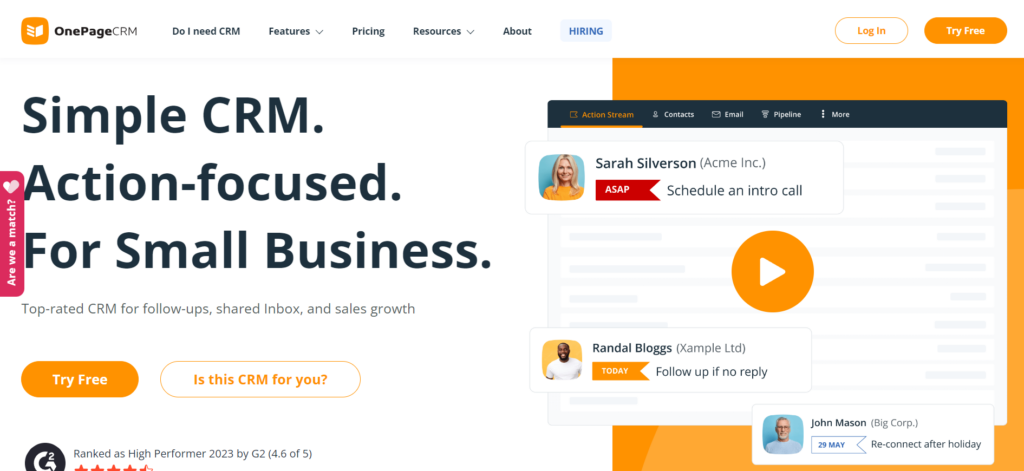
OnePageCRM is a sales CRM built around the "Next Action" method: every contact always has a next step, so deals keep moving. Contacts, deals and tasks are simple to manage, and it integrates well with other popular apps.
Standout features
- Next Action Sales Methodology: a set next step for each contact keeps your sales process moving.
- Deal Management: tracks potential deals, manages your sales pipelines and produces sales forecasts you can plan with.
- Bulk email: send personalized emails in bulk and save time with templates.
Drawbacks
- Fewer features than a full-scale CRM.
- No built-in email marketing feature.
- The price climbs for larger teams.
Pricing
- Professional: €8.95 per user a month, billed annually, for up to 20 users.
- Business: €17.95 per user a month, billed annually, for up to 100 users.
Both include unlimited contacts, notes and deals, a catalog of products and services, email syncing, bulk emailing, task boards, custom reports, route planning, mobile apps, connections to other tools and help when you need it.
5. Hunter.io
Hunter.io (it used to be called Email Hunter) finds and verifies the email addresses that belong to a domain. Point it at a company and it turns up the addresses of the people who work there, which is what you need for outreach, sales or marketing.
Standout features
- Email Finder: discovers the email addresses tied to a domain, so you can reach the right people inside a business.
- Domain Search: pulls up the addresses linked to a domain for prospecting and outreach.
- Bulk tasks: run large searches or verifications in one go.
Drawbacks
- It's very good at finding and verifying emails and offers little beyond that.
- The free tier limits your searches.
- It relies on public data, which can limit what it finds.
Pricing
- Free: 25 searches and 50 verifications a month, 1 connected email account and 500 recipients per campaign.
- Starter, €49: 500 searches and 1,000 verifications a month, Domain Search, 3 connected email accounts and 2,500 recipients per campaign, with SMTP/IMAP accounts, Email rotation, Attachments & images and Link tracking.
- Growth, €149: 5,000 searches and 10,000 verifications a month, Domain Search, 10 connected email accounts and 5,000 recipients per campaign. Everything in Starter, plus a Custom tracking domain.
- Business, €499: 50,000 searches and 100,000 verifications a month, Domain Search, 20 connected email accounts and 10,000 recipients per campaign. Everything in Growth, plus Support Priority and an Account manager.
6. LeadFuze
LeadFuze is a well-known lead generation tool that finds potential customers for you by automating the research and the outreach.
Standout features
- Automated, personalized email outreach for higher conversion rates.
- Current customer data, contact details and location information, so your sales team doesn't waste its effort.
- Plans for businesses of every size, meant to keep it cost-effective, and a free trial for new users.
Drawbacks
- Cost: not cheap, especially the unlimited leads option, which starts at $397 per month. That can be too much for a small business or a startup that's only beginning to try lead generation tools.
- Complexity: the sheer number of features and options can overwhelm new users, and the advanced functions have a steep learning curve.
- Data overload: with so much lead data available, spotting the most valuable leads can get harder.
- Dependence on automation: it saves time, but leaning on it too much makes your outreach less personal, and so less effective.
- Integration overload: several integrations with CRM and outreach tools are a lot to manage, and keeping them all running smoothly is hard for some users.
Pricing
- From $147 per month: 500 monthly credits, unlimited lists, targeted filters, automation, CSV export and more.
- $397 per month: unlimited leads annually, advanced search filters, list automation and LinkedIn lookups, plus CSV export, de-duplication and integrations. It's meant for teams or individuals growing their lead generation.
7. Jasper
Jasper creates content with AI, which makes it a lead generation tool for businesses that win their leads organically, through content marketing. It produces blog posts, infographics, SEO copy, emails, web content, video scripts, ad copy and more, in a fraction of the usual time.
Standout features
For enterprise marketing teams, Jasper speeds up content creation across channels and languages. It has tools for building whole marketing campaigns, keeping the brand voice consistent and producing creative visual content, and it integrates with other tools and offers API access for wider use.
Drawbacks
- Uniqueness and accuracy: AI-generated content has to be checked for originality and correctness, and that isn't always easy.
- Ongoing training: AI systems need continuous updates and training to keep performing well.
- Technology dependency: lean on it heavily and your marketers bring less of their own creativity.
- Privacy and data security: the AI's access to large amounts of company data raises serious privacy and security concerns.
Pricing
- Creator plan, $39 per month: a single user licence, brand voice support, SEO mode access and the AI browser extension.
- Business plan, custom price: AI features with unlimited usage, team collaboration, analytics, custom guides, top security, admin control, workflows, API and premium support.
8. Surfer
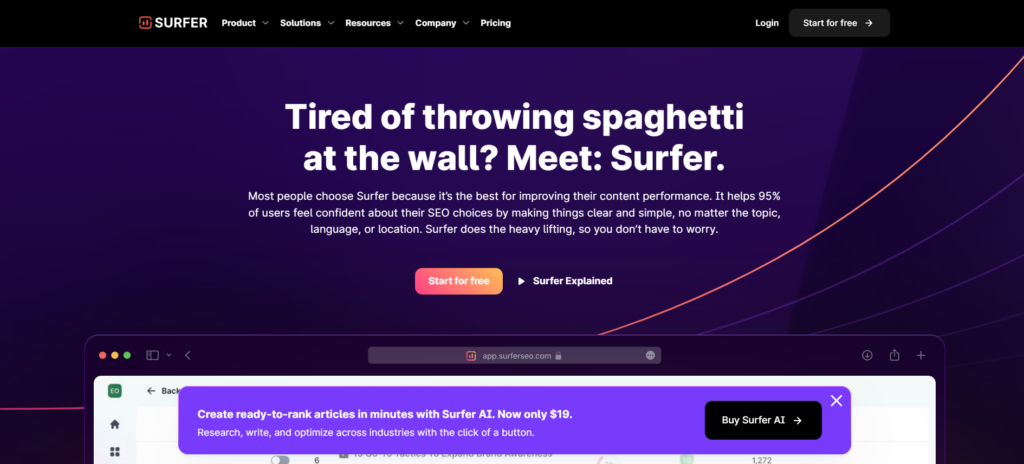
Surfer is an SEO tool. It gives you real-time feedback on an article's structure, its keywords and what competitors are doing, so you can tune every detail for reach and performance. It integrates with Jasper and SEMrush too.
Standout features
- Content optimization feedback in real time.
- Good, usable content outlines.
- Support for multiple languages.
- Integrations with Google Docs and WordPress.
Drawbacks
- You depend on the tool's SEO metrics, which don't always match real-time SEO trends.
- The learning curve is steep if you're new to SEO or to Surfer.
Pricing
- Essential, $89/month: for small business owners and freelancers. Write and optimize up to 30 articles with Content Editor.
- Scale, $129/month: for mid-sized agencies and marketing teams. Up to 100 articles written and optimized, audits, keyword research and invites for 5 team members.
- Scale AI, $219/month: for agencies that use AI. Write and optimize up to 100 articles and generate 10 AI articles, with audits, keyword research, 5 team invites and personalized onboarding.
- Enterprise, custom pricing: for large agencies and teams. Custom article writing and optimization, AI content generation, audits, keyword research, team sizes to fit, personalized onboarding, priority support, SERP Analyzer, white label options and API.
9. LinkedIn Sales Navigator
If you use LinkedIn to build business connections, Sales Navigator is the tool for it. It helps you find potential customers and companies and keep track of them, and it works well with your CRM.
Standout features
- Advanced search: detailed searches for the most relevant prospects by industry, company size, role and location.
- Lead recommendations: personalized suggestions from LinkedIn's algorithm, which can turn up potential clients your team might not have found on its own.
- InMail messages: a set number of InMail credits for contacting LinkedIn members outside your network, which can improve your odds of reaching key decision-makers.
- CRM integration: connects with a range of CRM systems, keeping sales activity in sync and leads easier to manage.
- Sales insights: real-time data on companies and leads, such as job changes, company developments and common connections, to help you tailor your outreach.
Drawbacks
- Cost: it's relatively expensive next to other LinkedIn memberships, which can put it out of reach for small businesses and individual sales professionals.
- Complexity: some users find the interface and the range of features overwhelming, especially if they aren't regular LinkedIn users.
- Limited contact: InMail credits come with no guarantee. Response rates vary, and prospects may never engage.
- Dependence on LinkedIn data: results are only as good as the profiles. If your prospects don't keep detailed profiles, they're harder to find and to connect with.
- Learning curve: getting the full benefit takes time spent learning the platform, and possibly extra training.
Pricing
- Sales Navigator Core (Professional): $99/month
- Sales Navigator Advanced (Team): $149/month
- Sales Navigator Advanced Plus (Enterprise): starts at $1,600/year
10. Intercom
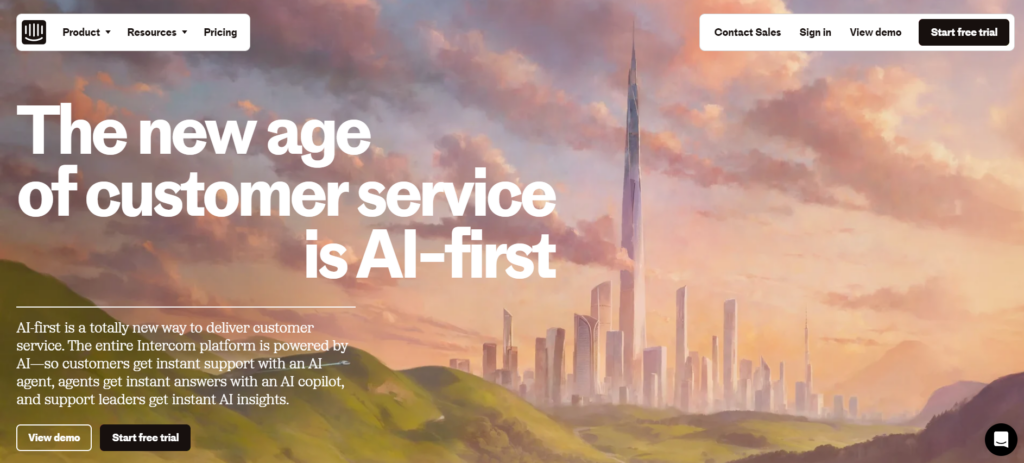
Intercom handles conversational marketing: it engages visitors in real time, collects feedback and personalizes each interaction based on what the visitor does. Rule-based engagement, custom bots and email follow-ups help you hold on to customers and keep them active.
Standout features
- AI customer service with instant answers, 24/7.
- AI Copilot, which gives support agents quick answers and insights.
- Strong integration options, including APIs and SDKs.
- Extensive analytics and reporting.
Drawbacks
- Setting it up and customizing it can be complex.
- Your team may need serious training to get full value from the AI features.
- Costs can run high, depending on your scale and the features you need.
Pricing
- Essential, $39 per licence/month: customer support for startups, small businesses and individuals.
- Advanced, $99 per licence/month: powerful automation tools and AI features for growing support teams.
- Expert, $139 per licence/month: collaboration, security and reporting tools for large support teams.
11. Zapier
Zapier saves you time by connecting lots of different apps. No technical knowledge needed: pick the apps you want to connect and Zapier does the rest.
Standout features
- Automation across 6,000+ apps, with no coding.
- Customizable workflows that automate tasks and processes.
- Forms, databases and custom chatbots to extend what it does.
- An easy way to integrate your business tools with each other.
Drawbacks
- Heavy customization and lots of integrations make it complex fast.
- Costs rise as you need advanced features and higher usage tiers.
- It's at the mercy of the other services' API limits, which can cap what it does.
Pricing
- Free, €0 per month: 100 tasks a month, basic Zaps, Interfaces and Tables.
- Professional, from €19.24 per month: Multi-step Zaps, Premium apps, Webhooks and email support.
- Team, from €66.43 per month: the same Multi-step Zaps, Premium apps, Webhooks and email support.
- Enterprise, custom price: automation scaled across departments, with advanced admin controls, annual tasks, full observability, SAML SSO and dedicated support.
12. Turnstile
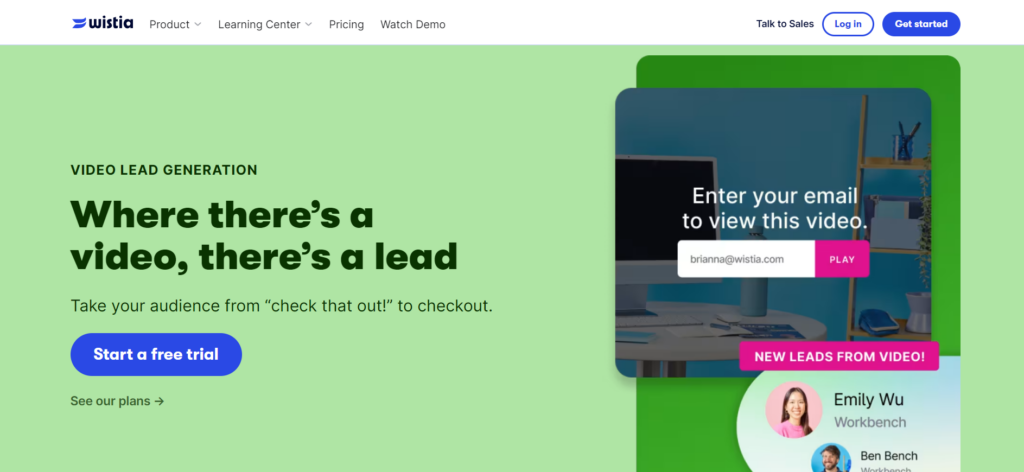
Turnstile is Wistia's lead capture form for video. It collects viewer information during webinars, either while the video plays or after it ends, and it connects to email marketing tools like Mailchimp and to Marketo and HubSpot.
Standout features
- Forms embedded in videos and webinars bring in more leads.
- Form fields and calls to action you can customize to each campaign's goals.
- Flexible form placement in the video, with A/B testing to find what gets viewers to engage.
- Easy integration with marketing automation platforms, so lead management stays simple.
Drawbacks
- You may need some technical skill to use the customization and integration features fully.
- Viewers can find it intrusive if it isn't worked into the video with care.
- It only collects leads if people watch your videos, which won't suit every audience or type of content.
Pricing
- Free, $0 per month: up to 10 videos, a customizable player and editing tools.
- Plus, $19 per month ($228 per year): drops the Wistia branding and adds basic CTAs and multiple users.
- Pro, $79 per month ($948 per year): adds lead capture, enhanced analytics and custom CTAs.
- Advanced, $319 per month ($3,828 per year): adds marketing integrations, webinar hosting and unlimited galleries.
13. Sendoso
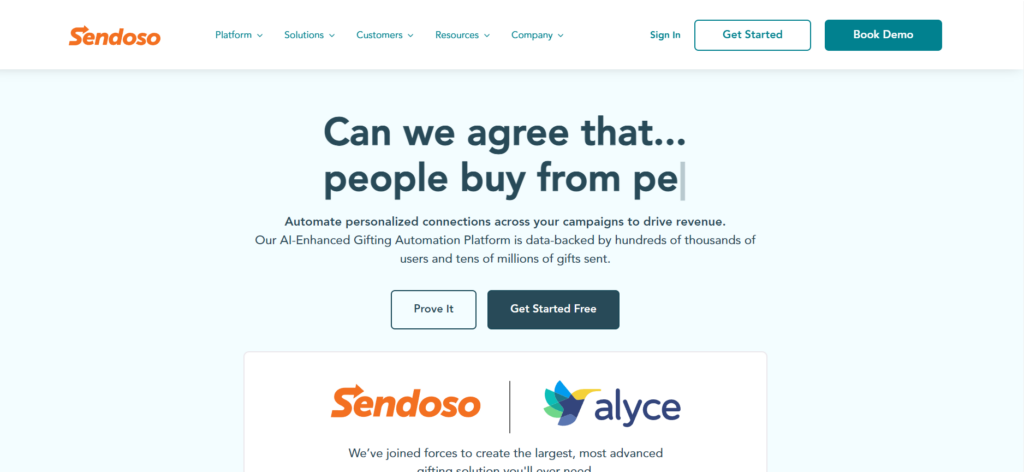
Sendoso is a B2B sending platform made for corporate gifting, and it supports account-based marketing. It's known for helping companies engage, acquire and retain customers, so it pulls double duty, for lead generation and for customer retention.
Standout features
- AI-assisted personalization for gifts that are thoughtful and effective.
- Native integrations with over 90 platforms.
- Its own warehousing, for reliable delivery and creative customization.
- Full-stack reporting that tracks a campaign's impact in real time.
Drawbacks
- Personalized gifts and shipping can get expensive.
- Managing and integrating it with multiple systems and platforms adds complexity.
- It needs ongoing management to get real use out of its features.
Pricing
- Essential (for small businesses): unlimited sending, eGifts, marketplace, fulfillment center, custom brand shop, send tracking, custom domains and unlimited integrations.
- Plus: multi-team support with unlimited sending, eGifts, marketplace, fulfillment, meeting scheduler, fulfillment for 6 events a year, brand shop, send tracking, custom domains, integrations and campaign services (2 projects a year).
- Pro: built for global expansion, with premium fulfillment, unlimited sending, eGifts, marketplace, meeting scheduler, event fulfillment, swag store, brand shop, send tracking, custom domains, unlimited integrations and unlimited campaign projects.
For more detail, or a price based on your company's needs, you may need to contact Sendoso directly through its website or set up a demo with its sales team.
14. QuickMail
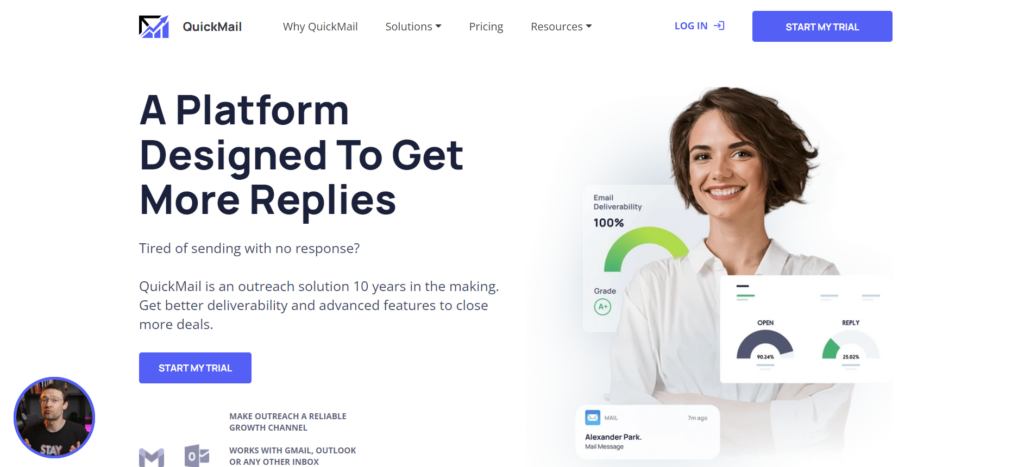
QuickMail is an email warm-up tool for better deliverability and sender reputation. It monitors and maintains the health of your inbox, so your emails are more likely to land in recipients' inboxes.
Standout features
- Detects and manages recipient replies, so following up is easier.
- Warms up email accounts gradually to build a positive sender reputation.
- Integration options, including native CRM integrations and Zapier.
Drawbacks
- It can be complex for beginners to set up and manage.
- It works best when you already know email best practices.
- Costs can climb as you need advanced features and higher usage.
Pricing
- Basic Plan, $49 per month: 30,000 emails, 10,000 prospects, 5 email addresses, 1 LinkedIn account, unlimited team members, free AutoWarmer, reply handling, Zapier, blacklist monitoring and support.
- Pro Plan, $89 per month: 100,000 emails, 50,000 prospects, 20 email addresses, 5 LinkedIn accounts, unlimited team members, CRM integrations, advanced analytics and expert support.
- Expert Plan, $129 per month: 300,000 emails, 100,000 prospects, 50 email addresses, 15 LinkedIn accounts, unlimited team members, AI, advanced analytics, API and expert support.
How to choose the right lead generation software
B2B lead generation software varies widely, so the right choice depends on your scope, your budget, the channels you target and your audience. Work through it in this order:
- Define your lead generation goals. Do you need advanced prospecting and nurturing, a smooth CRM integration or deep insight into your leads?
- List the features and functions those goals need, such as lead capture tools, email marketing automation or landing page builders.
- Check that each tool on your list can keep up as your business grows, with more demand, more users and more data, without a drop in performance or reliability.
- Weigh pricing and support. The tool has to fit your budget and come with help you can count on.
Then use the trial period to test each tool's features and see whether it fits your business.
Advantages of lead generation software
What a business gets from lead generation software:
- It automates and simplifies the work, with targeted campaigns, lead capture across channels and automated follow-ups, and that saves time.
- Scoring and qualification put the high-potential leads first, which improves sales conversions and ROI.
- You can watch key metrics like lead capture and conversion rates and adjust your campaigns to what they tell you.
- It keeps your focus on highly qualified leads, so the sales process speeds up, deals close sooner and revenue goes up substantially.
Last updated: July 2025